Top10Scout

Home / All guides / Smart locks

Explore the research

Smart locks

Included core features, optional services, required setup and ownership costs.

Showing 1–6 of 6 guides

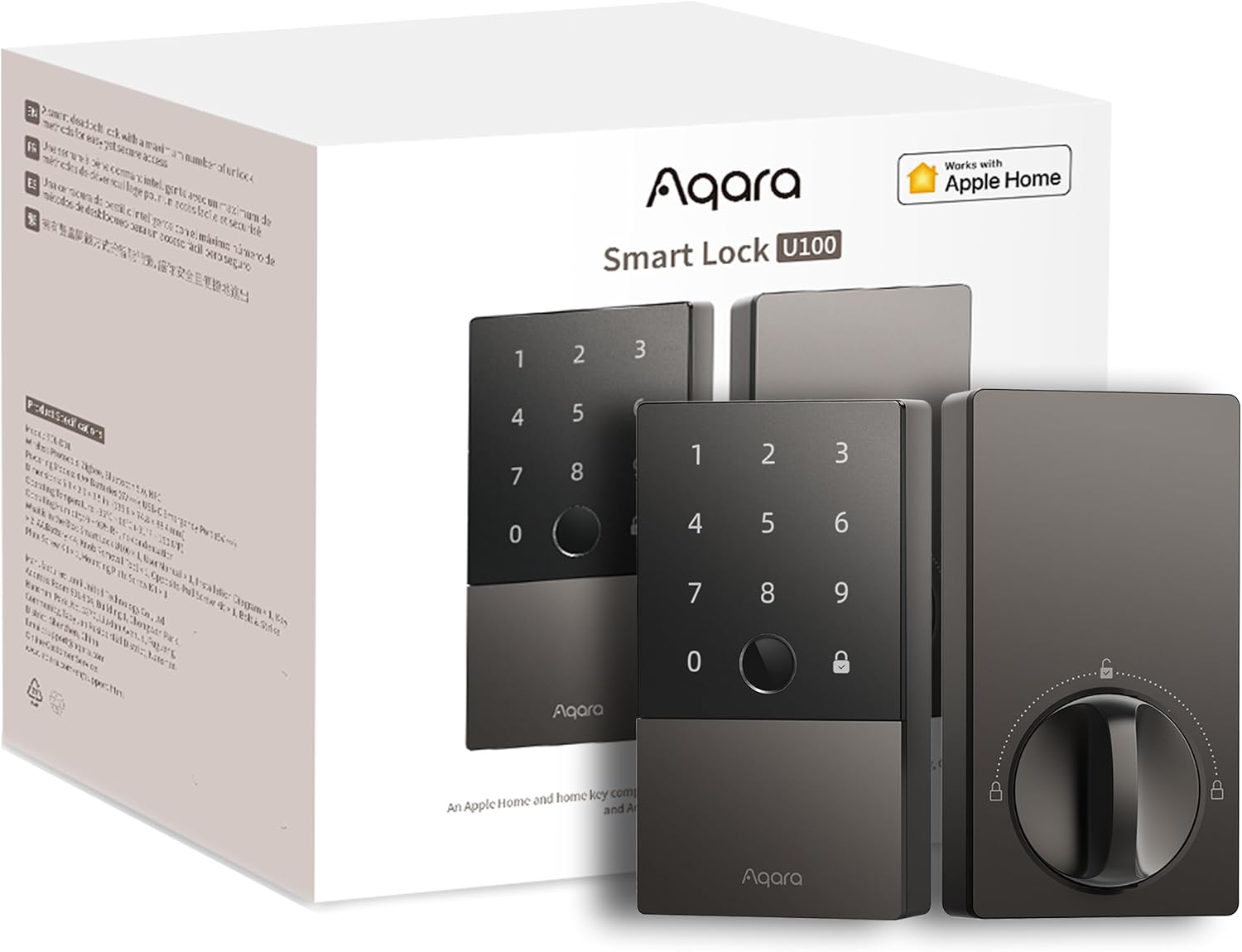
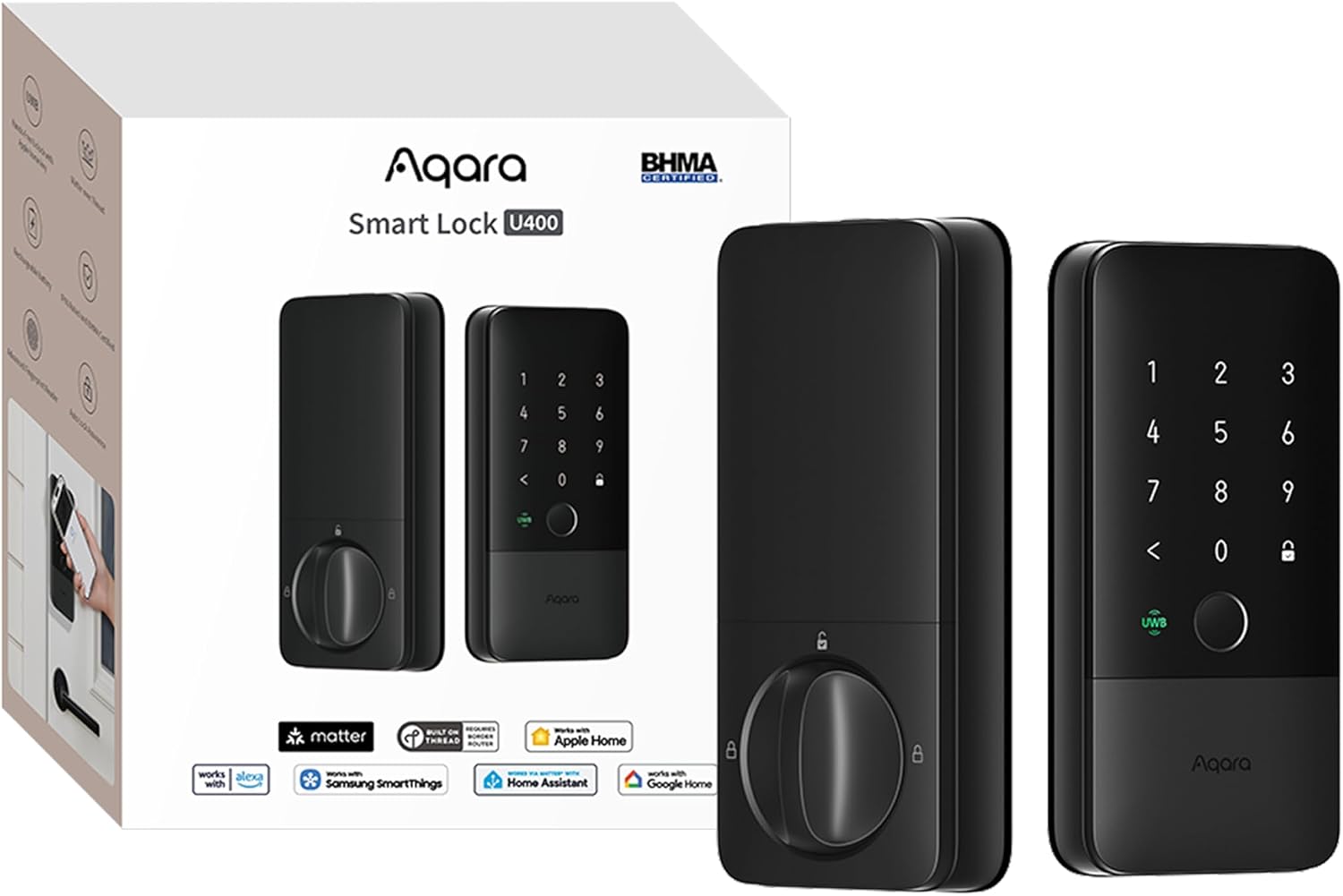
Aqara Smart Lock U100 — Gray, single lock · Aqara Smart Lock U400 — Black, single lock

Smart locks

Aqara U100 vs U400: Is Hands-Free Entry Worth It?

Compare Aqara U100 and U400 for hands-free unlocking, Home Key, Thread requirements and rechargeable power. Decide whether a working U100 needs replacing.

Published Read guide →
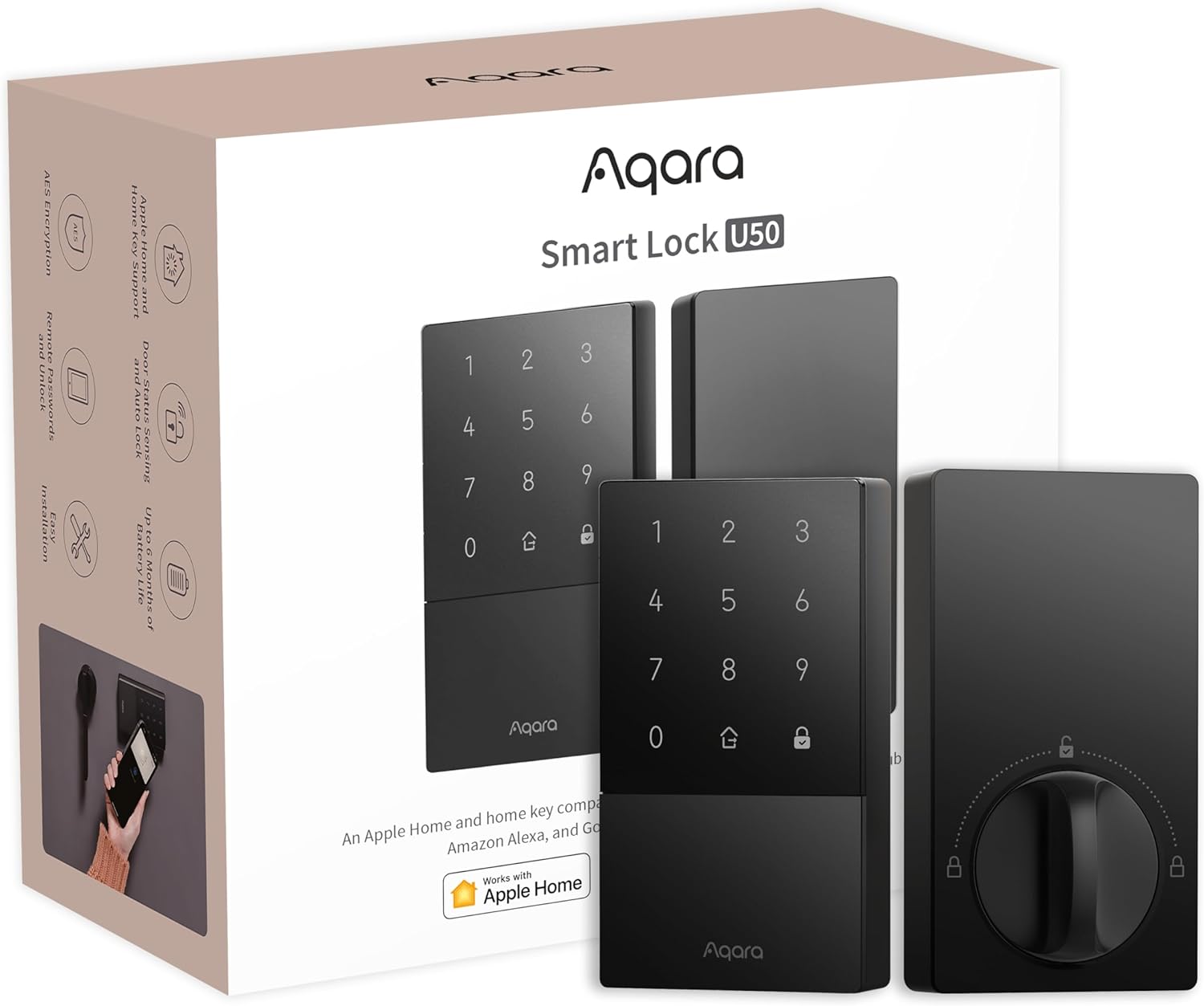
Aqara Smart Lock U50 — Black, single lock · Aqara Smart Lock U100 — Gray, single lock

Smart locks

Aqara U50 vs U100: Do You Need Fingerprint Entry?

Compare Aqara U50 and U100 smart locks for Home Key, fingerprint entry, guest access and hub requirements. Choose the convenience your household uses.

Published Read guide →

Aqara Smart Lock U50 — Black, single lock · Veise RZ07 — Matte Black, single lock

Smart locks

Aqara U50 vs Veise RZ07: Home Key or Fingerprint?

Compare Aqara U50 and Veise RZ07 for everyday entry, guest access, remote control and dead-battery backup before choosing a new smart lock.

Published Read guide →

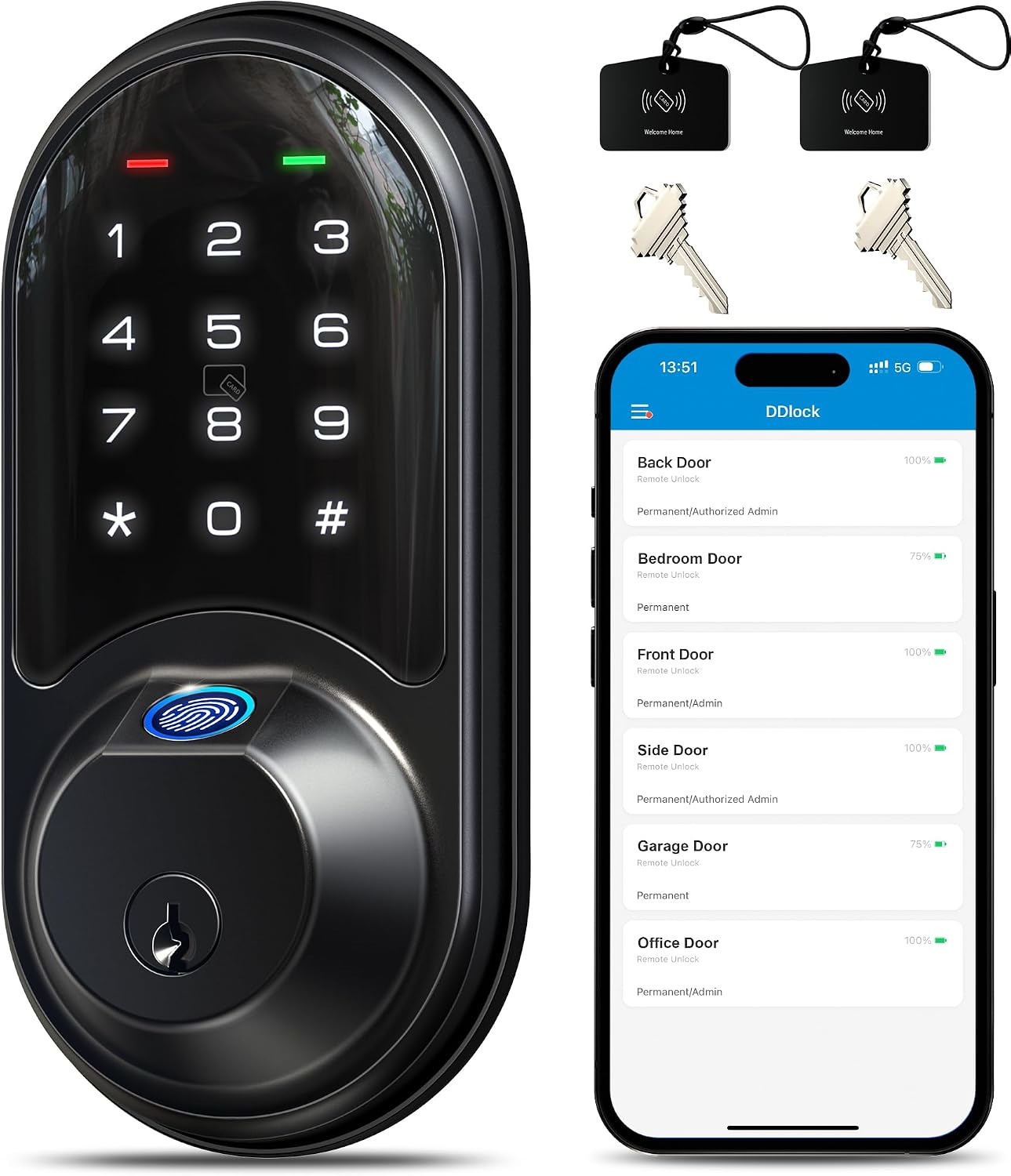
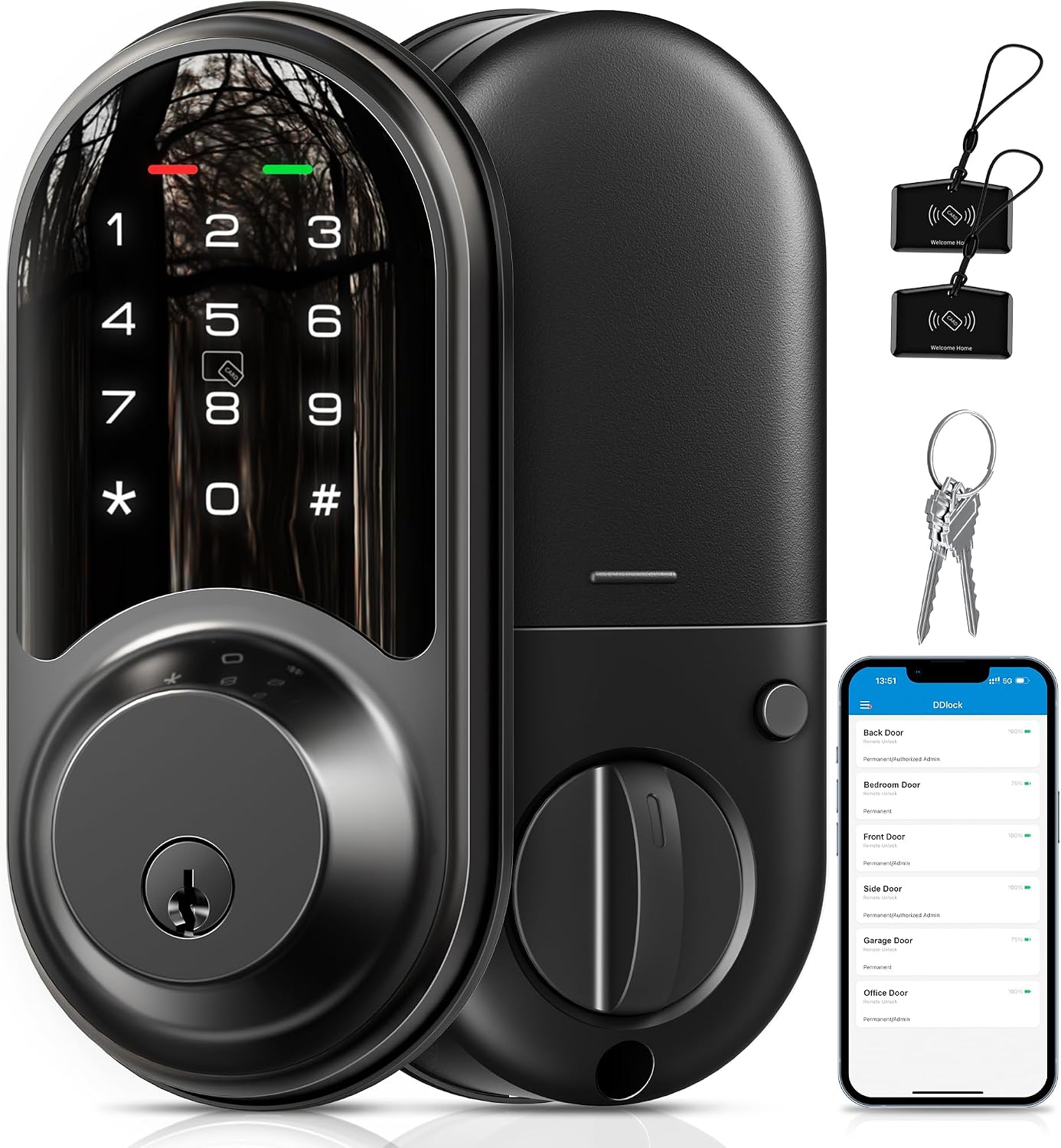
Veise RZ06 — Matte Black · Veise RZ07 — Matte Black, single lock

Smart locks

Veise RZ06 vs RZ07: Is Fingerprint Entry Worth Adding?

Compare Veise RZ06 and RZ07 deadbolts for everyday entry, DDLock management, gateway requirements and battery backup. Decide whether to add fingerprints.

Published Read guide →

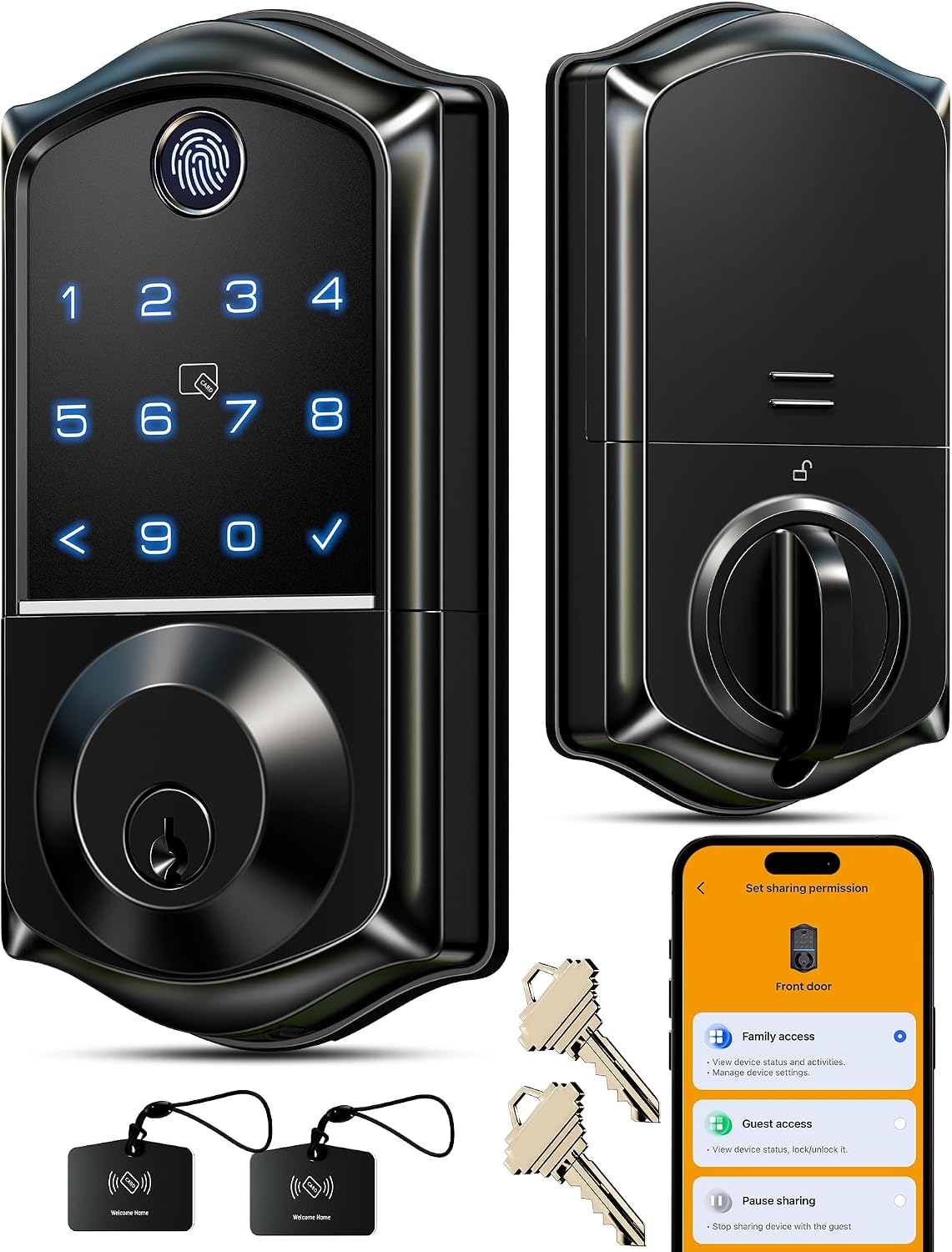
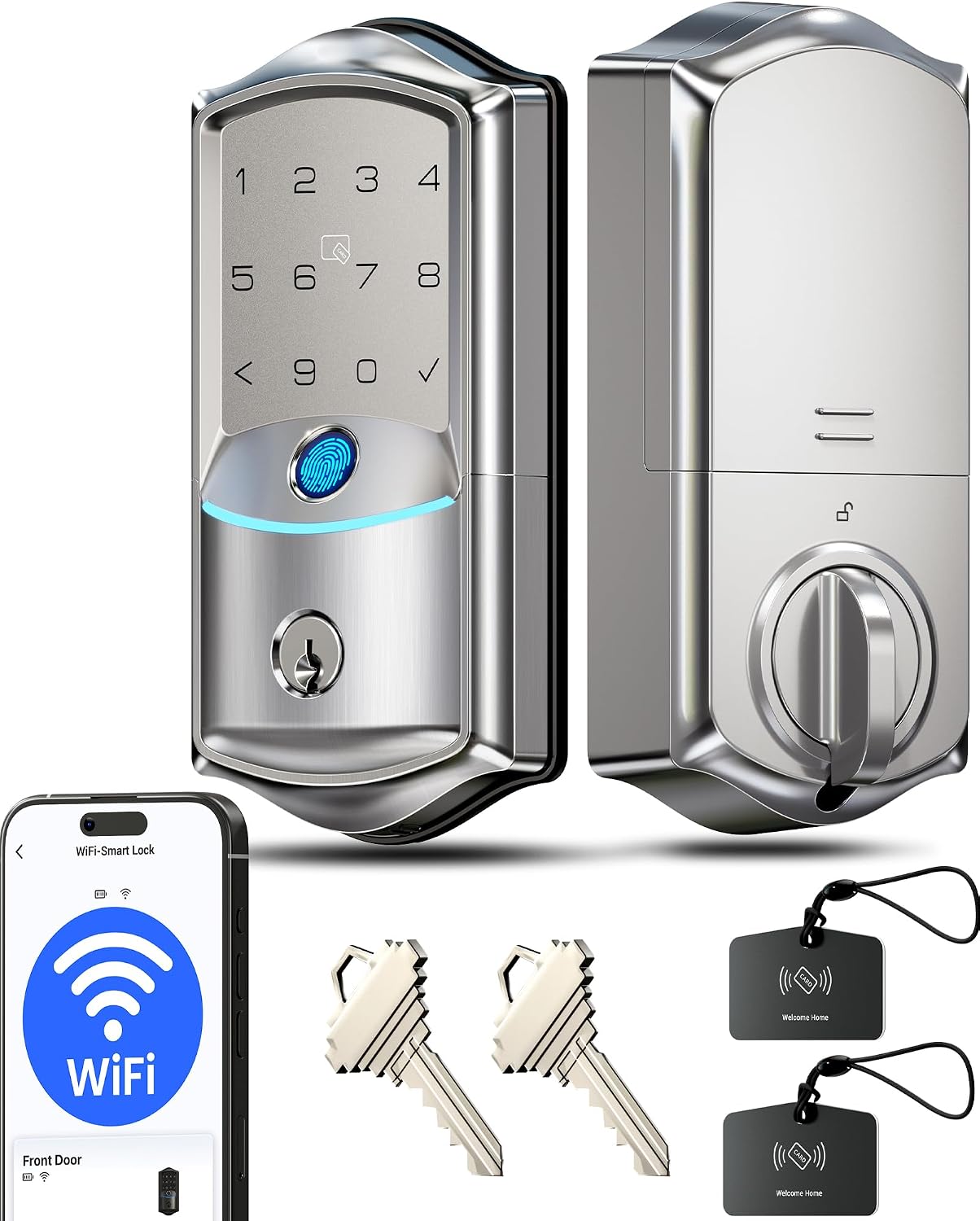
Veise VE017 — Matte Black, single lock · Veise VE027 — Satin Nickel

Smart locks

Veise VE017 vs VE027: Gateway or Direct Wi-Fi?

Compare Veise VE017 and VE027 for remote access, KK Home management, fingerprints and battery requirements. Choose the complete setup for your door.

Published Read guide →

Veise RZ06 — Matte Black · Veise VE027 — Satin Nickel

Smart locks

Veise RZ06 vs VE027: Is Built-In Wi-Fi Worth It?

Compare Veise RZ06 and VE027 for remote access, fingerprint entry, app management and backup power. Decide whether to keep your gateway setup.

Published Read guide →
How we distinguish core functions, optional services and required setup