
Other products mentioned in this guide

Before passing a smart device to another person, list the places where it is connected and the data you intend to keep or remove. A reset button addresses a particular device procedure. It should not be treated as proof that accounts, cloud records, phone exports and paid plans have all been cleared at the same time.
This guide offers a practical handoff checklist based on official examples. It does not certify secure erasure or provide one universal reset procedure. Use the current instructions for the exact device and account, and do not apply a camera's steps to a scale or lock.
Preserve the records you need before resetting
Decide what should remain available to you after the device leaves. A camera may contain clips you need to export; an app may hold a personal history you want to retain. Complete supported exports before disrupting the access route used to retrieve them.
Tapo's download guide distinguishes stored recordings from downloaded phone copies. Verify that a needed export opens in its intended destination. A file listed in an app or card playback screen is not automatically a separate copy you can access after handoff.
Do not export or share another person's private records simply because you manage the device. Decide what you are authorized to keep, and avoid including real footage or measurements in a public resale listing. This is an ownership and privacy routine, not a claim about any manufacturer's complete data architecture.
Remove the device through its supported account route
Tapo's reset and removal instructions describe app removal under stated connectivity conditions. Check those conditions before relying on a removal attempt made while the device is offline. Confirm the expected completion through the supported process rather than assuming a tap succeeded.
Review linked households, assistants or other integrations that you enabled. Use their documented management routes where appropriate. This article does not promise that a factory reset automatically removes every external account connection across all brands.
Keep your account credentials private. The recipient should use their own supported setup rather than inherit your login. If a device remains bound or the app procedure cannot complete, resolve it through current manufacturer support before calling the handoff ready.
Treat local media and app history as separate locations
A removable card is an additional data-bearing item. Decide whether to keep it or prepare it through an appropriate supported method. A general camera reset statement does not establish that every card has been securely erased, and this guide provides no forensic-erasure guarantee.
Downloaded phone files are another location. If you intend to remove them, inspect the relevant phone storage and any backups you used. If you intend to retain them, store them under your own access arrangement. Do not assume changing the camera's settings also changes a separately exported file.
For a scale, review the exact profile, history and reset instructions. Wyze's BodyScan troubleshooting guide provides a model-specific reset procedure. We have not established that this action deletes every cloud or external health-platform record, so those destinations need their own review.
Check paid plans and completion independently
Tapo explicitly notes that factory reset does not cancel Tapo Care. That is a concrete reason to put optional-plan management on a separate line of your checklist. Use the current account or billing route if you intend to stop a plan; device removal alone should not be your evidence of cancellation.
Follow the exact model's reset procedure only after completing the necessary data and account tasks. Reset-button timing and effects can vary by model or hardware version. We do not supply a universal press duration for all cameras or scales.
Finish by checking the intended result: your retained records remain accessible, your account relationship is resolved through the supported route, removable storage is handled deliberately and any optional plan decision is complete. A careful handoff separates these tasks instead of making an unsupported all-data-erased claim.
Check the exact listing
These affiliate links may earn us a commission. Confirm the model, package, current price, stock and compatibility on the retailer page. A listed product is not a promise that every feature or accessory is included.
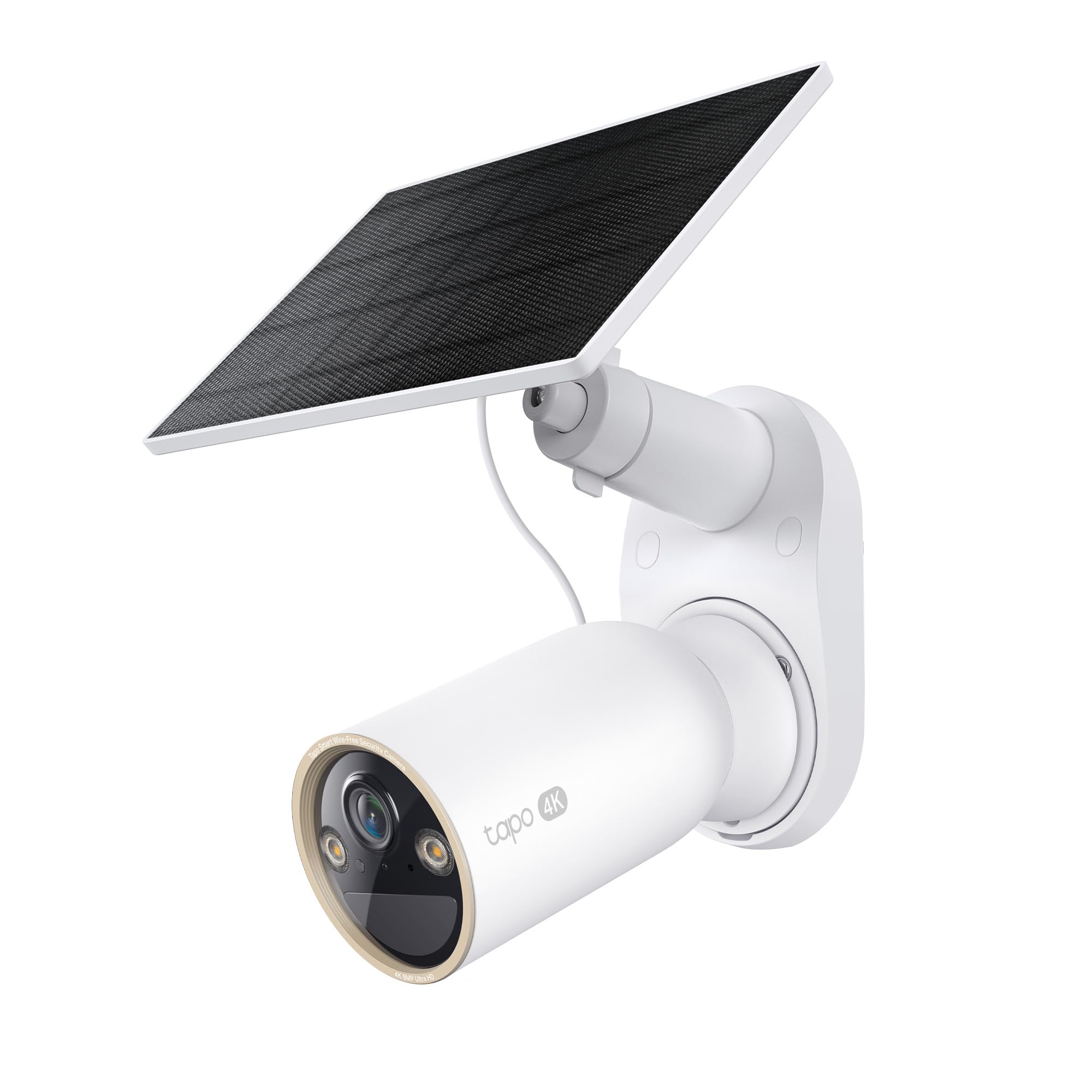
Tapo · Amazon US
Tapo C460 KIT — 1-camera solar-kit listing
Selected listing: B0F5M9MC3M
View this model on AmazonSources and method
Based on the manufacturer documentation linked below. Features, app requirements and optional services can change. Check the exact model and package before purchase.