
Other products mentioned in this guide
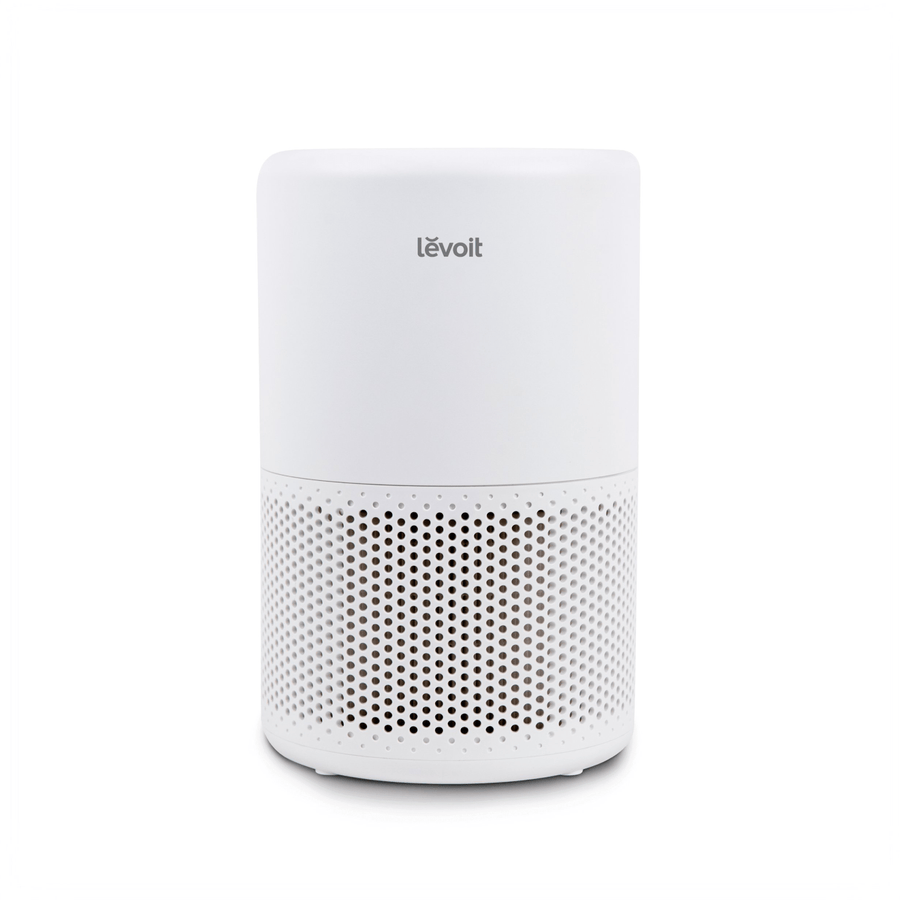
An app-controlled air purifier can offer several kinds of convenience, but they should be evaluated separately. Remote adjustment, a time schedule and a response to a sensor are different operations. Before buying, identify the operation you want and the phone, account or network conditions it depends on.
This guide uses Dreo 338S and the official Levoit Core 200S-P documentation as examples. The Dreo cached title identifies its smart model; our Levoit catalog record does not establish that specific model. Levoit remains an informational reference without an uncertain retailer recommendation.
Define the operation before configuring it
Write down a precise task such as changing a setting from another room, setting an operating time or looking at a particle display. Avoid treating a general smart-control label as confirmation of all three. A feature you do not use adds little to your daily routine.
Dreo's 338S page describes smart control and a PM2.5 display. Levoit's Core 200S-P page describes app remote control and schedules. We have not established Core 200S-P's possession of a different model's particle-sensor automatic-control system.
A schedule follows a time arrangement; a sensor-based response follows a documented input and rule. Neither should be described as evidence of medical protection or a measured purification result. Decide which behavior answers your household task before comparing app screenshots.
Check the phone and account arrangement
Read the current setup instructions for the exact model and phone platform. Check which app you need, whether your operating-system version is supported and which permissions serve your intended functions. We have not tested every setup prompt or version combination.
Decide who manages the device account. If one person configures schedules, other household members should still understand the supported physical controls and ordinary operating routine. Sharing a device does not require guessing at unsupported account-sharing methods or relying on one person's memory of every setting.
Network and voice-assistant prerequisites deserve their own check. Do not assume a generic assistant logo means the purifier contains a speaker, accepts every command or works with every regional account. Use the documented integration route and confirm the operation you care about.
Keep app price and optional services distinct
Levoit calls VeSync free for the documented controls. The Dreo iOS listing is marked Free and describes remote control. Our review did not establish the fee status of every 338S-specific service through an exact model activation flow.
Free installation is therefore one cost fact, rather than a blanket promise about all future connected services. If an app presents a trial or optional plan, identify what it adds and whether your chosen operation depends on it. This article does not invent a mandatory charge when none has been verified.
Consumable delivery is also separate. A recurring filter order purchases filters; its existence does not by itself demonstrate a charge for adjusting the purifier through an app. Keep those budget lines apart when comparing products.
Ask the right outage question
A working local button, a stored schedule and off-site app access need not have the same dependencies. The exact behavior after router, internet or account-service failure must be checked for the model. We have not tested outage recovery or established that either example runs every schedule entirely without a connection.
Describe what you would need to do if the managing phone were unavailable. Then check the physical-control instructions. This planning exercise helps identify a manageable routine without promising that every remote command can be queued, replayed or completed offline.
Finish with an exact model identity and a short list of required operations. Confirm each operation against current instructions and resolve any account, network or fee uncertainty before purchase. A smart purifier is useful when its controls fit your routine; a long app feature list should not substitute for that fit.
Check the exact listing
These affiliate links may earn us a commission. Confirm the model, package, current price, stock and compatibility on the retailer page. A listed product is not a promise that every feature or accessory is included.

Dreo · Amazon US
Dreo Air Purifier 338S (DR-HAP008S)
Selected listing: B0H5Q3PL7K
Physical controls are documented. The fee status of every connected service has not been verified; check current activation terms before relying on those features.
View this model on AmazonSources and method
Based on the manufacturer documentation linked below. Features, app requirements and optional services can change. Check the exact model and package before purchase.