
Other products mentioned in this guide
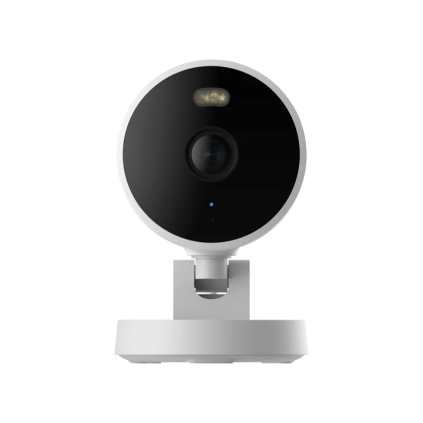
A camera's local card can be a convenient rolling record, but it should not be treated as a permanent archive. The useful ownership routine is to check that recording works, recognize the actual retained period and export anything important before it is overwritten or lost.
This guide focuses on maintenance and clip preservation. It uses manufacturer storage guidance and documented local-card camera examples, without measuring a universal card lifespan or guaranteeing recovery from a damaged medium.
Choose a card for the actual recording workload
TP-Link's card-compatibility guidance recommends endurance-oriented cards for continuous recording and notes that cards have a limited read/write lifespan. Match the capacity, speed and compatibility requirements of your exact camera and hardware version.
An advertised maximum capacity is a limit, not a requirement to buy the largest card. Your decision also depends on the recording mode and how far back you need to look. We have not established exact retention days for a given capacity because settings, scene activity and video workload can vary.
Read the exact model's storage section. Aqara G100 documentation describes a compatible microSD local route, while battery cameras can use event or interval modes that differ from plug-in continuous recording. Do not transfer a storage-days estimate between unrelated modes or models.
Validate the record rather than the card icon
After initialization and setup, find a known period in playback. Check the date, a recognizable event and whether audio is included if you deliberately enabled it. A card being recognized does not, on its own, establish that the desired schedule is writing the footage you expect.
Use a recurring reminder to inspect a small sample. Our recommendation is to review both recent footage and the oldest period still available, recording the observed date range for your own system. This is a maintenance method rather than a test we performed or a guarantee that every event was captured.
If the retained range changes unexpectedly, investigate settings, card status and current support instructions. Avoid immediately assuming the card is broken or that a cloud plan is necessary. Some recording modes and workloads naturally write more data than others.
Export a useful copy while access remains available
The official Tapo download guide describes app-based downloads from local recording and explains that downloaded clips can be watched locally. Confirm that the exported file includes the period you intended before relying on the copy.
For an important event, keep a copy in a location you control and can find later. Give it a clear date and camera label for your own organization. A saved preview, app bookmark or notification should not be assumed to contain the same footage as a downloaded video file.
We do not provide a forensic chain-of-custody or legal-evidence assessment. The practical goal is a usable personal copy. If you require a formal evidentiary process, that requirement needs separate expert handling rather than a generic consumer export routine.
Protect footage before destructive maintenance
Formatting, changing recording targets and resetting a device can affect access. Save intended records first and use the precise manufacturer's instructions. Do not remove a card during active writing or apply reset timings from another model without checking the manual.
If you replace or dispose of a card, treat it as a separate storage object from the camera and app account. A camera reset is not proof that every card file or phone download has disappeared. Exact secure-erasure and damaged-card recovery outcomes are unverified here.
The useful budget includes a compatible card and the time needed to maintain the record. Local storage avoids a mandatory cloud-recording fee in the documented route, but it still requires care. This guide makes no reliability, infinite-retention or complete-backup promise.
Check the exact listing
These affiliate links may earn us a commission. Confirm the model, package, current price, stock and compatibility on the retailer page. A listed product is not a promise that every feature or accessory is included.
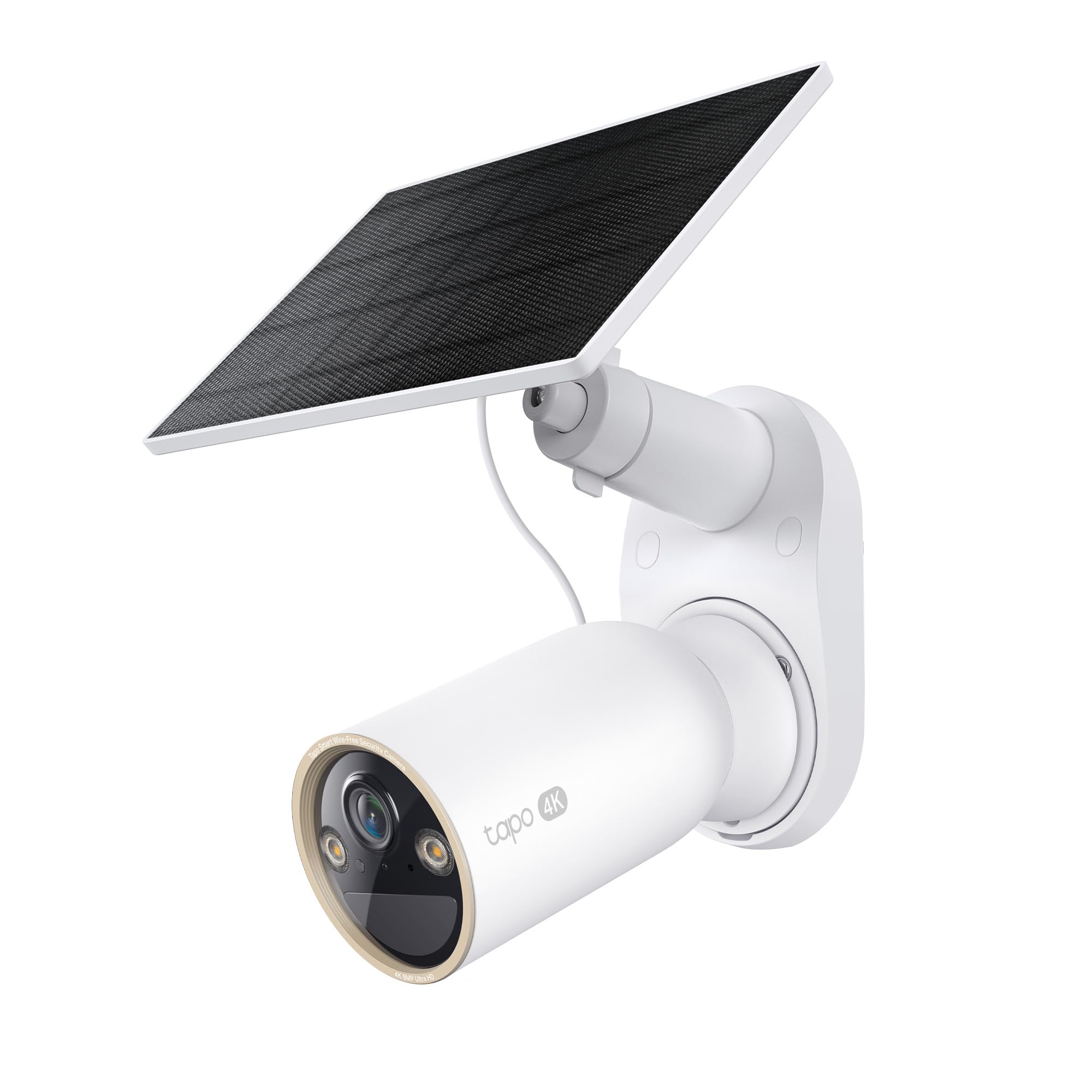
Tapo · Amazon US
Tapo C460 KIT — 1-camera solar-kit listing
Selected listing: B0F5M9MC3M
View this model on AmazonSources and method
Based on the manufacturer documentation linked below. Features, app requirements and optional services can change. Check the exact model and package before purchase.