
Other products mentioned in this guide
A driveway camera decision has two separate parts: where you need a view and how the device will receive power. Solar can reduce cable work, while a powered installation can support a different recording routine. Begin with the event or period you want to review, then see which architecture can document it under its stated conditions.
Draw the view and power locations separately
Mark the entrance, parking area and walking path. Also mark possible camera positions, solar-panel positions and a permitted cable route. A place with a useful camera angle may have poor sunlight, and an exposed panel location may point the camera toward the wrong scene if you insist on mounting both together.
Consider seasonal shadows, trees and vehicles that can obstruct either the lens or panel. We have not assessed your site's sun exposure, wireless strength or mounting surfaces. Our recommendation is to make these checks before comparing a solar kit's advertised endurance.
Existing sockets and an Ethernet route deserve the same practical survey. Permission for drilling or cable work is part of the equipment decision. Avoid assuming that a garage outlet, ordinary network switch or distant router is suitable without checking the exact connection requirements.
Specify the recording question
The Tapo C460 KIT page describes 24/7 Capture using interval images between detected events. This is different from uninterrupted full-frame video. If you need to reconstruct a gap between events, establish what that capture mode actually supplies.
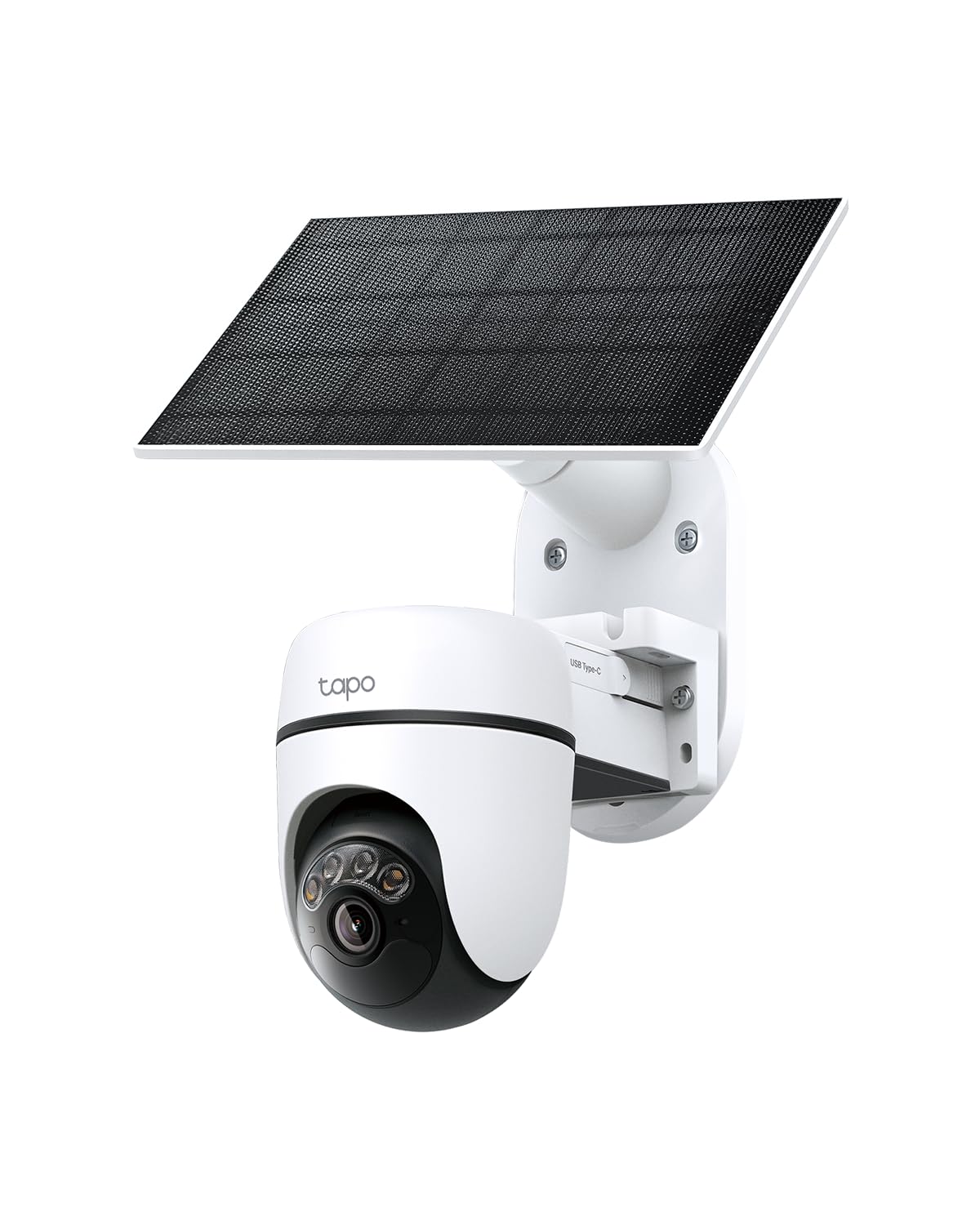
The C610 KIT page documents a solar/battery local-event recording route. We have not found proof that C610 provides C460-style interval capture or continuous recording. General wording about protection should not fill that evidence gap.
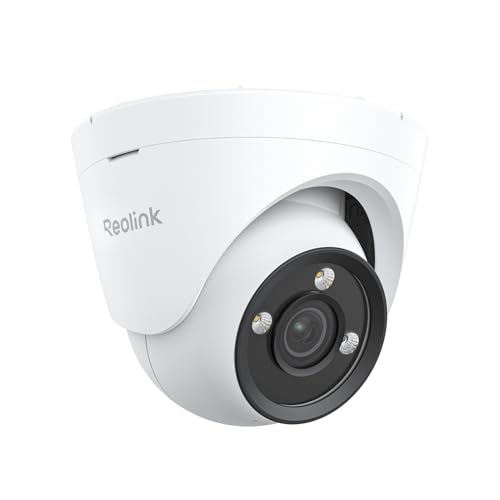
The Reolink CX820 specification documents motion, scheduled and continuous recording with a wired power/network arrangement. If an uninterrupted record is essential, that architecture deserves comparison before choosing solar primarily for installation convenience. This research contains no independent video-quality or recognition test.
Price the actual power arrangement
A solar kit still needs a suitable panel location and a plan for charging or maintenance when conditions are unfavorable. Manufacturer sunlight claims are conditional; we have not measured recharge balance in winter or at your chosen location. A shaded installation may create a maintenance task that the product photograph does not show.
CX820 requires a suitable PoE source and Ethernet cable, or its documented DC power alternative. Ordinary Ethernet alone does not supply power. Budget the injector, switch or recorder only if your chosen arrangement requires it, and check what the camera package actually includes.
All three documented local routes need an appropriate storage medium or recording target. Optional cloud service and optional hub hardware are separate expenses. An included solar panel should not be taken as proof that a microSD card or every other accessory is included.
Validate a representative day
After setup, our suggested check is to inspect known arrivals, departures and a quiet interval in the recorded history. Check both a daylight and an evening period, using permitted ordinary activity. This is a validation plan, not footage we captured or a promise that every vehicle event will be recognized.
Choose solar when its documented recording mode and maintenance requirements answer your actual driveway question. Choose a powered route when its supported continuous workflow is necessary and cable installation is feasible. Keep remote alerts, internet outages and footage export as separate checks. Neither architecture provides a theft-prevention, evidence-completeness or navigation-of-vehicles guarantee.
Check the exact listing
These affiliate links may earn us a commission. Confirm the model, package, current price, stock and compatibility on the retailer page. A listed product is not a promise that every feature or accessory is included.
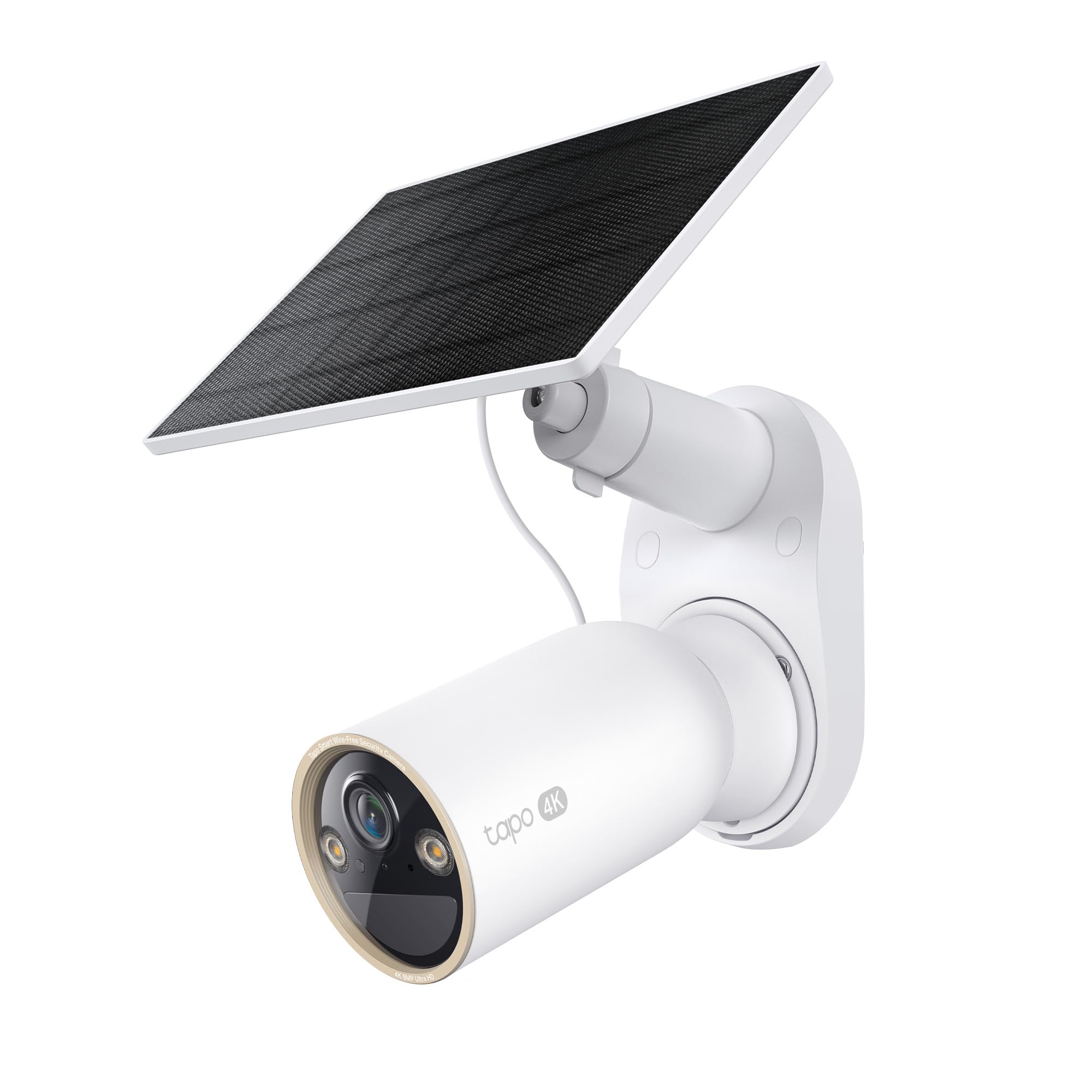
Tapo · Amazon US
Tapo C460 KIT — 1-camera solar-kit listing
Selected listing: B0F5M9MC3M
View this model on AmazonSources and method
Based on the manufacturer documentation linked below. Features, app requirements and optional services can change. Check the exact model and package before purchase.