
Other products mentioned in this guide
A P1-plus-hub kit can be a useful start for movement-triggered lighting, but only if the included hub and destination light are identified. The word hub is not a complete compatibility specification. This guide explains how to assess a kit from documentation; it does not report a successful installation or a validated cross-platform automation.
Ask for the full kit inventory
Our supply candidate, ASIN B0F998QW67, is described as a Motion Sensor P1 with a hub. The exact hub remains unverified. Record the sensor model, hub model, quantity, power accessories and regional version before comparing the kit with separately purchased components.
The P1 manual requires a compatible Aqara Zigbee 3.0 hub. This is a specific connection requirement, not a statement that any product carrying a Matter logo accepts the sensor. P1 user manual
Our advice is to treat an unnamed hub as an unanswered purchase question. Do not fill in the model from a similar photograph or another retailer's package. If the proposed bundle cannot provide a precise inventory, compare an alternative whose included equipment is clearly documented.
Identify the lighting output
Next name the device that actually changes the light. It might be a compatible smart light, plug or wall control, but it must be a documented destination for the selected platform. An ordinary lamp with no controllable output does not become automated because a sensor and hub exist nearby.
Describe the complete rule in plain language. For example, you might want movement during a selected period to turn on a particular light, followed by an appropriately delayed off action. This is an intended design to verify, not a claim about a working supplied kit.
If the rule uses a light reading or a particular sensitivity setting, confirm that the chosen app exposes it. Recognizing the sensor is only the first check. The required condition and destination action must also be supported.
Separate sensor connection from ecosystem sharing
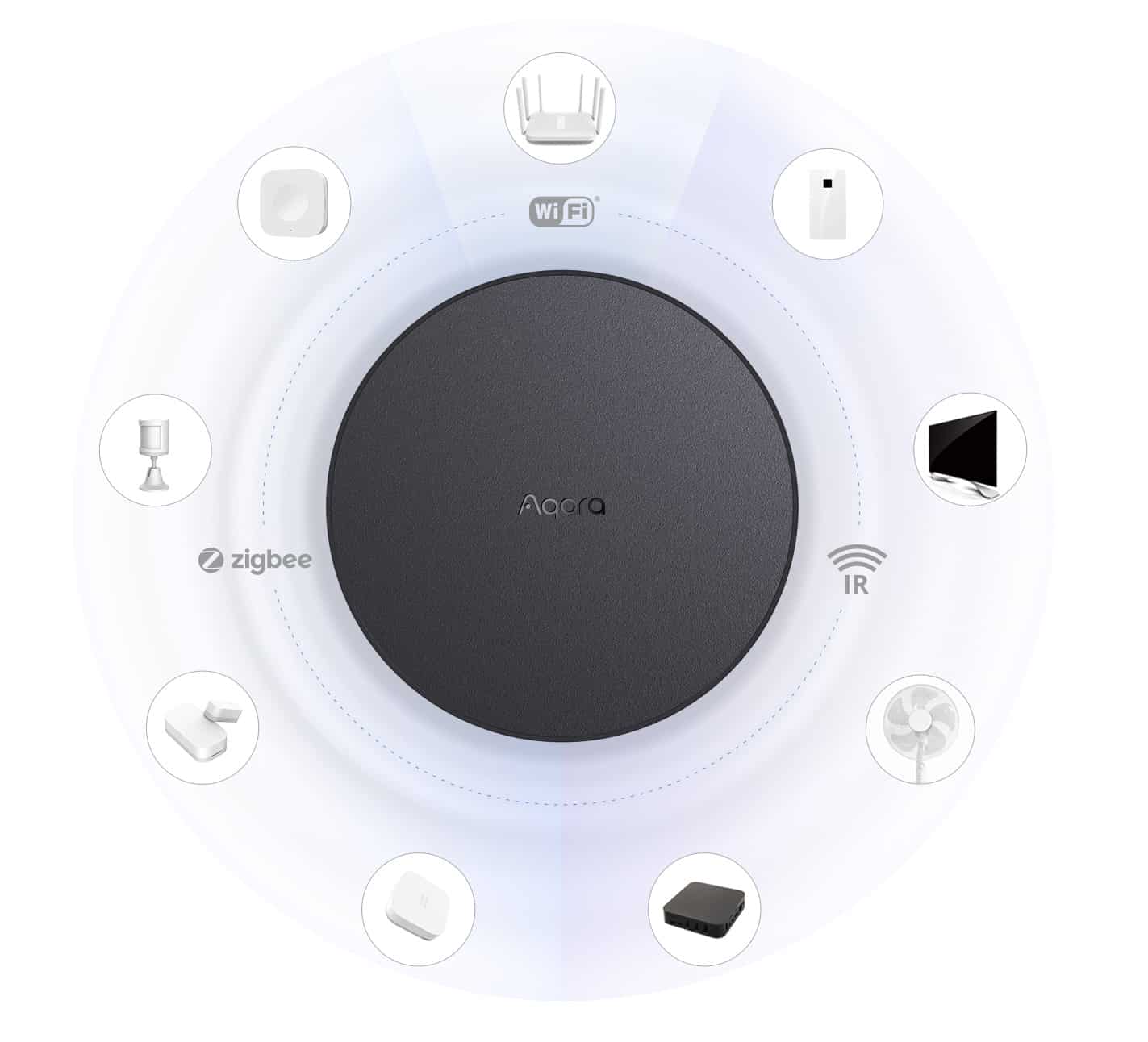
Draw the P1 connected to its Aqara hub. Then, if another home platform will run the rule, draw the hub's documented integration to that platform and the light's connection there. Check each link for the exact model and current software.
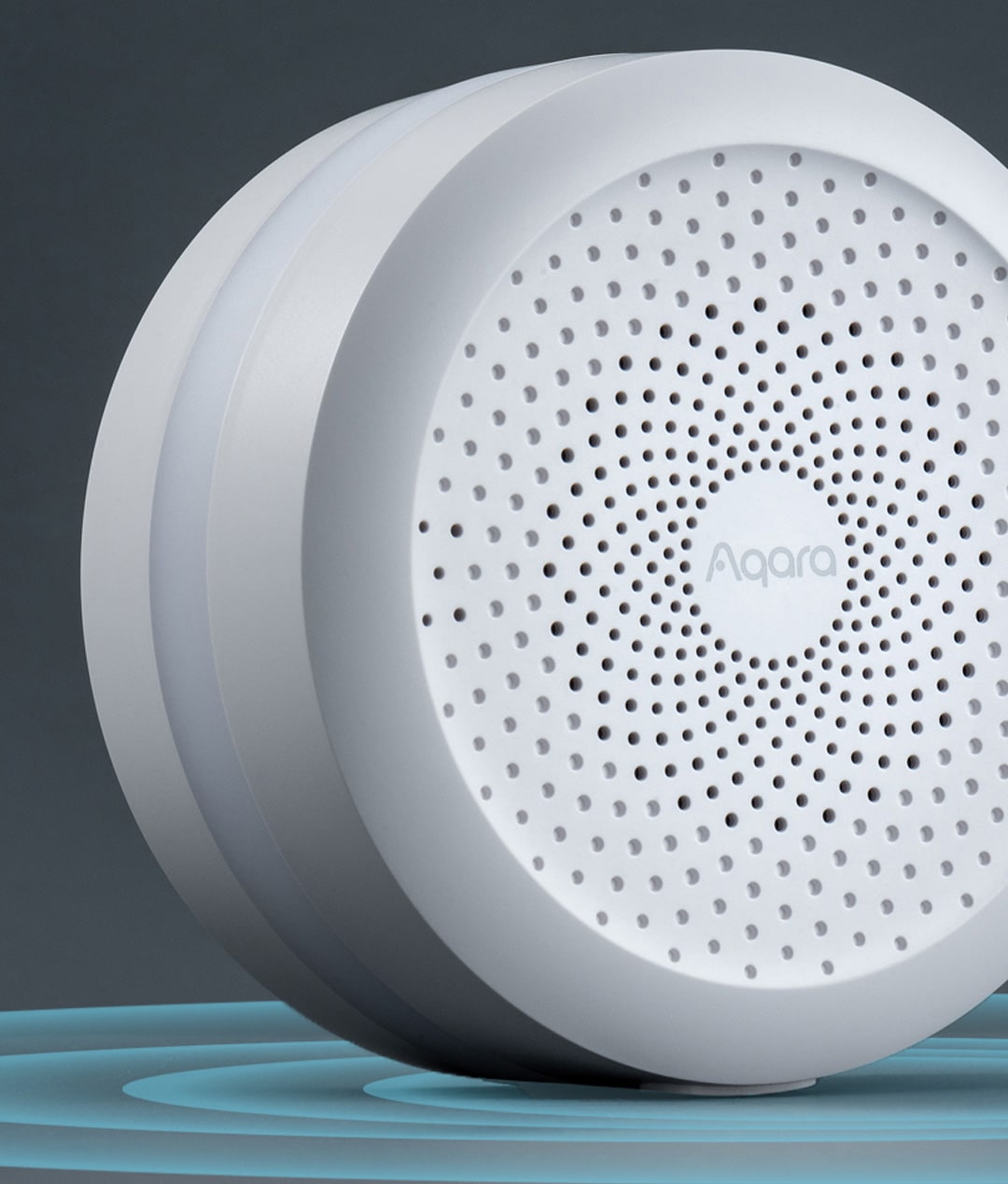
The M2 and M1S Gen 2 have their own official descriptions. Those documents can help assess a named hub, but they cannot identify the unknown model in our candidate kit. Aqara Hub M2, Aqara Hub M1S Gen 2
Avoid treating a generic bridge claim as proof that every sensor attribute appears in every ecosystem. Decide whether the intended rule will live in Aqara Home or another platform, and verify the actual events and controls needed there. A shorter documented route is usually easier to understand than an assumed chain of integrations.
Add a manual scene input only for a reason
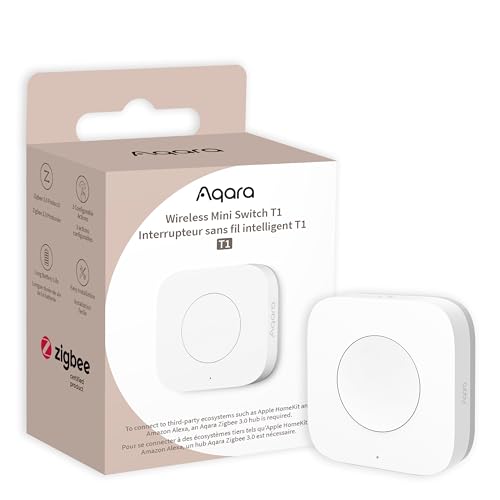
The Wireless Mini Switch T1 is a possible physical input for a compatible setup, with candidate ASIN B0CTQLH6L6. It also requires an Aqara hub. It is not automatically included in the P1 kit and does not replace the lighting output. Mini Switch T1 manual
Consider it if the household needs a clear manual action, such as starting a supported scene. Before adding it, define how that action interacts with the motion rule. You should not have to guess whether a manual choice will be overridden by the next movement event.
Verify the ownership conditions
Aqara describes subscription-free sensor security systems for the named M2 and M1S Gen 2. That is relevant evidence for those defined systems. It does not settle the complete fee conditions of a different unnamed hub, external service or particular lighting automation.
Confirm the intended local rule, any remote-access requirements and optional paid services separately. Also plan suitable positions and ordinary device-health checks without assuming advertised radio reach applies through your walls.
We would select a P1 kit only after its hub, output device and intended rule form a documented complete route. Until then, the bundle remains a research candidate rather than a ready recommendation. A clear inventory and one supported automation are better foundations than buying extra sensors before the first room's compatibility is understood.
Check the exact listing
These affiliate links may earn us a commission. Confirm the model, package, current price, stock and compatibility on the retailer page. A listed product is not a promise that every feature or accessory is included.

Aqara · Amazon US
Aqara Motion Sensor P1 + hub kit — hub model unverified
Selected listing: B0F998QW67
View this model on AmazonSources and method
Based on the manufacturer documentation linked below. Features, app requirements and optional services can change. Check the exact model and package before purchase.