
Other products mentioned in this guide
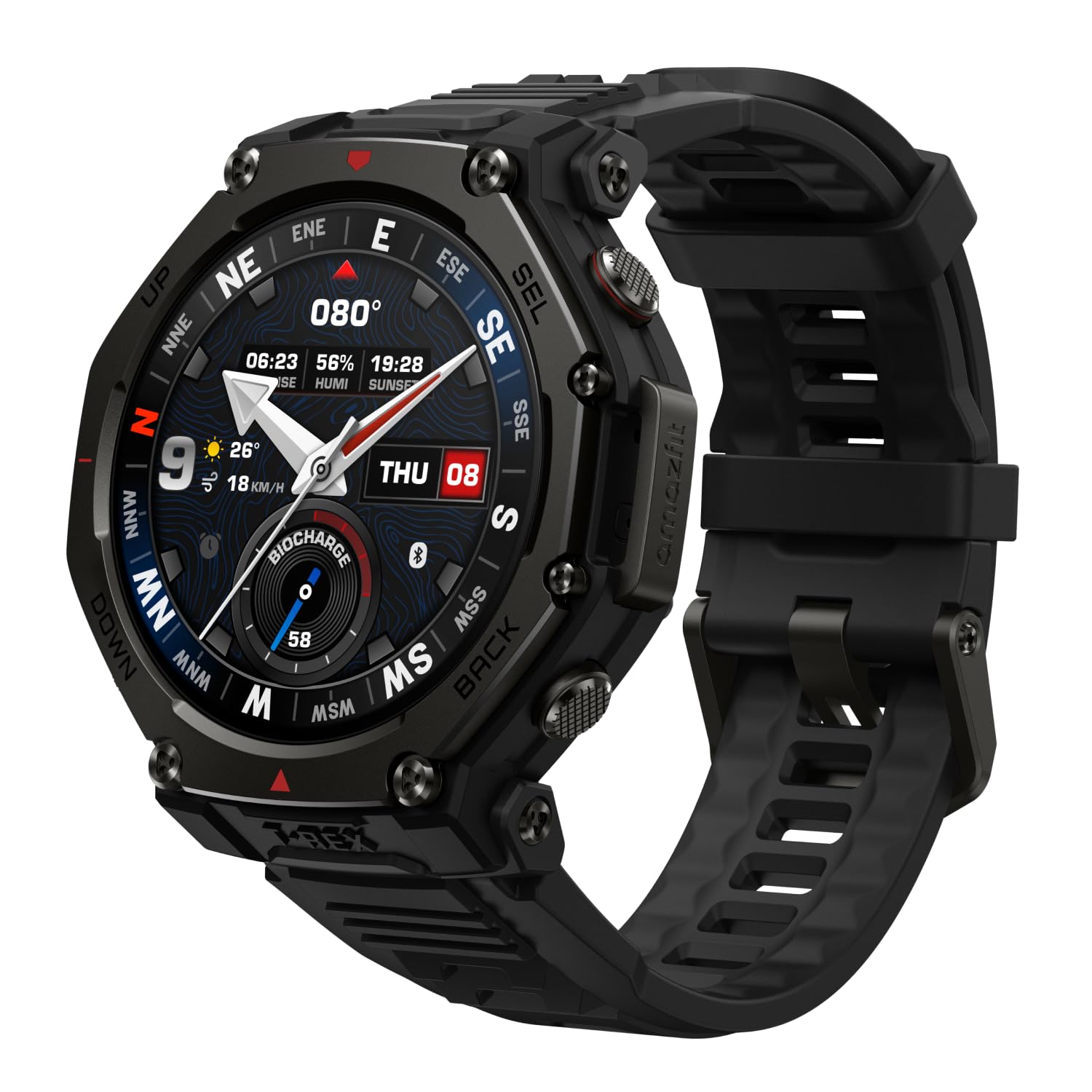
A GPS watch can record an outing while your phone is elsewhere, but the surrounding workflow still matters. A downloaded map, a workout record and a phone notification have different dependencies. This guide uses the Amazfit T-Rex 3 to explain a practical preparation routine from official documentation, without promising that every Amazfit model behaves the same way.
Define what you need during the outing
Begin with a task list. You might want to see your position on a map, follow a planned route, record distance and time, or receive a call. Assign a separate evidence check to each task. The presence of built-in satellite positioning establishes a documented recording capability; it does not establish current map coverage, independent telephone service or every navigation format.
The T-Rex 3 US page describes positioning and offline maps, and its FAQ says Bluetooth phone calling is unavailable. A person who needs independent calls should therefore verify another appropriate communication arrangement rather than treating this model's GPS as a communication service.
Our related catalog candidate is Onyx Black B0DCZ9PRCP. Its title matches this family; an official exact ASIN-to-package mapping remains unverified. T-Rex 3 Pro and other variants need their own manuals. We have not tested a real outing, route accuracy, connection range or battery duration.
Prepare the actual map area while connected
The official T-Rex 3 support instructions describe connecting the watch to Wi-Fi, opening its Map setting in Zepp, choosing an area, adding it to the device download list and confirming on the watch. A successful download is a practical prerequisite for the corresponding offline map display.
Before leaving, inspect the downloaded resource on the watch and confirm that it covers the intended location. The support page also identifies map-resource availability, the base-map setting and successful GPS positioning as checks when a map does not appear. Menu labels can change with app or firmware versions, so use the currently displayed equivalent rather than forcing an older instruction word for word.
If following an imported route is essential, separately verify the supported file, route-loading procedure and activity mode for your exact firmware. We have not established every route source or file-type limit here. A map download and a route import are separate preparation jobs, and completion of one should not stand in for completion of the other.
Use a small rehearsal to identify gaps
Our suggested rehearsal is a short, familiar outing close to home. Check that the watch can display the downloaded area, obtain a position and start the workout mode you intend to use. Afterward, check whether the record you expected appears. This is a buyer's validation plan, not an account of testing we performed.
Choose settings deliberately. Battery claims change with positioning, screen behavior and other enabled functions. This research does not supply a measured runtime for your planned trip. For a longer outing, plan charging and an appropriate backup according to its duration and conditions rather than relying on an untested headline figure.
Music deserves its own check as well. Controlling a phone's player and playing a file stored on a watch involve different hardware and setup. We have not verified every offline music option for this exact candidate and will not treat general music controls as evidence of phone-free playback.
Reconnect and inspect the record
The product manual uses Zepp for pairing and watch management. After an outing, reconnect to the app and inspect the resulting record before depending on it for a longer-term log. Confirm the date, duration and the fields you personally need; a blank or incomplete record needs investigation before it becomes a training conclusion.
Offline mapping describes a specific feature, not a guarantee that all app history, account access or cloud services work indefinitely without connectivity. Exact export formats and outage behavior remain unverified here. The useful purchase question is whether the documented preparation-and-sync workflow suits your habits. This guide offers that workflow assessment without a navigation reliability verdict or a medical interpretation of the recorded data.
Check the exact listing
These affiliate links may earn us a commission. Confirm the model, package, current price, stock and compatibility on the retailer page. A listed product is not a promise that every feature or accessory is included.

Amazfit · Amazon US
Amazfit T-Rex 3 — Onyx Black listing
Selected listing: B0DCZ9PRCP
View this model on AmazonSources and method
Based on the manufacturer documentation linked below. Features, app requirements and optional services can change. Check the exact model and package before purchase.